
Resident help, without the runaround.
Find your account, community information, and the right way to ask for help.
Open your resident portal
Sign in to view your account, find association documents, make payments, and use the tools available to your community.
Open resident portalNeed help from the team?
For an account question, a community request, or help finding the right place to start, contact HOA Alabama.
Ask for resident supportPrefer your phone?
Use the HOA Alabama app with your association account. Find the official iPhone, iPad, and Android downloads below.
Explore the appGet into your association account.
- Already registered? Use the email address and password associated with your community account.
- New to the portal? Use Register and follow the account-approval instructions.
- Forgot your password? Use Forgot Password on the portal or app rather than send your password to anyone.
If you cannot find your community or need help with registration, include your association name when you contact the team. Do not send payment-card details or login passwords.
Get account helpFind the right place for your request.
Payments and account information
Use the portal or app to review the account information and payment options available to your association. Ask the team if a charge or payment needs clarification.
Sign in to your accountDocuments and notices
Association documents, notices, and community information are available through your community’s online tools. Access depends on your account and association.
Find community informationArchitectural requests
Check the current standards and required application materials before submitting a project for review. Follow your association’s process and wait for its decision before proceeding.
Prepare a complete requestHOA Alabama app
Your community, on your phone.
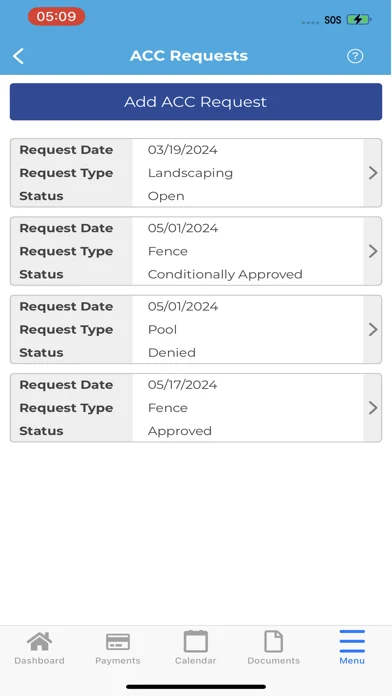
The HOA Alabama app provides access to payments, account information, community documents, and architectural requests. Available tools depend on your association’s setup and your account permissions.
Use the email and password from your association website. If you do not have an account, register through the portal or app and follow the approval instructions.
Get help with access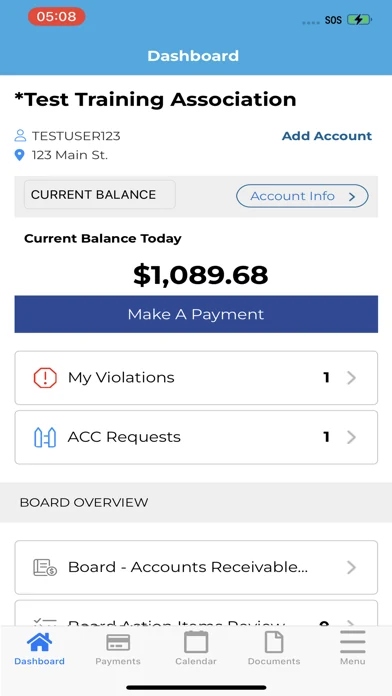
Need a person?
Call (334) 472-2500 or email help@hoaal.com during the published office hours: Monday–Friday, 8:00 AM–5:00 PM. For an immediate threat to life or property, contact the appropriate emergency services; this website form is not an emergency channel.